Home
Start a new edit
Paste a stream or video link, or upload a file. You get edited Shorts to change however you like.
Recent projects
All projectsPick a style
Make it yours
Good defaults are set. Change anything later.
Projects
New editClips
The score (0-100) is the story scorecard: hook, curiosity, story, payoff, pace and clarity, judged the way a Shorts editor would. Under 40 is marked weak.
How good are the stories?
Paste a channel. Every video's story gets scored and ranked, and you see whether the better stories got the views.
Ratings
Videos
Your stream in.
Edited Shorts out.
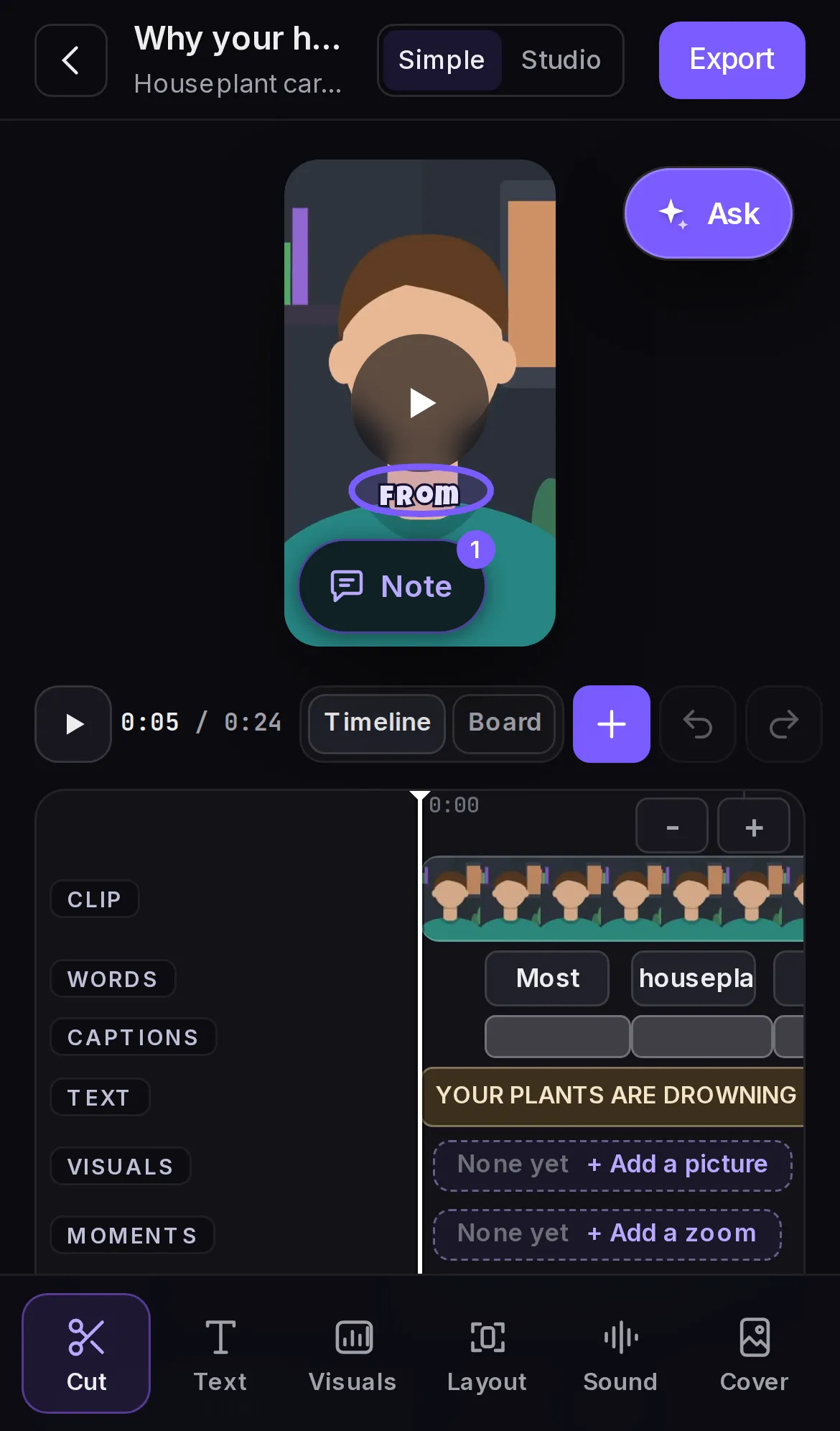
Paste a stream or upload a video and get vertical Shorts, cut and captioned. Click or circle anything and tell the AI what to change. Nothing re-renders until you export.
Pricing
1 free video when you sign up. No card needed.
After that, a plan adds credits every month, or top up once from $3. You see what something costs before you press it, and a project that fails gets its credits back.
For your first channel
Billed monthly. Cancel any time.
1,000 credits / month
- About 10 videos
- Or 200 AI edits
- 10 AI edits with every video, then 5 credits each
- 1080p vertical exports, no watermark
- The first export of every clip included
- Up to 10 new videos a day
- AI edits: up to 20 a minute
For posting every day
Billed monthly. Cancel any time.
3,500 credits / month
- About 35 videos
- Or 700 AI edits
- 10 AI edits with every video, then 5 credits each
- 1080p vertical exports, no watermark
- The first export of every clip included
- Up to 10 new videos a day
- AI edits: up to 20 a minute
For posting a lot, on more channels
Billed monthly. Cancel any time.
6,500 credits / month
- About 65 videos
- Or 1,300 AI edits
- 10 AI edits with every video, then 5 credits each
- 1080p vertical exports, no watermark
- The first export of every clip included
- Up to 10 new videos a day
- Priority AI: up to 30 edits a minute
Top up credits
No subscription. Pick a pack or type any amount from $3; bigger top-ups get bonus credits.
- $10 800 credits
- $25 2,200 credits
- $50 4,800 credits
- $100 10,000 credits
What credits buy: A video up to 10 minutes long is 100 credits (50 more for each extra 10 minutes), with 10 AI edits and one export per clip included. Plain edits in the editor are free.
Circle it. Say it.
It changes.
Your Short stays editable after it's made. Point at the thing you don't like and say what you want instead.
The preview updates right away, and nothing re-renders until you press Export.
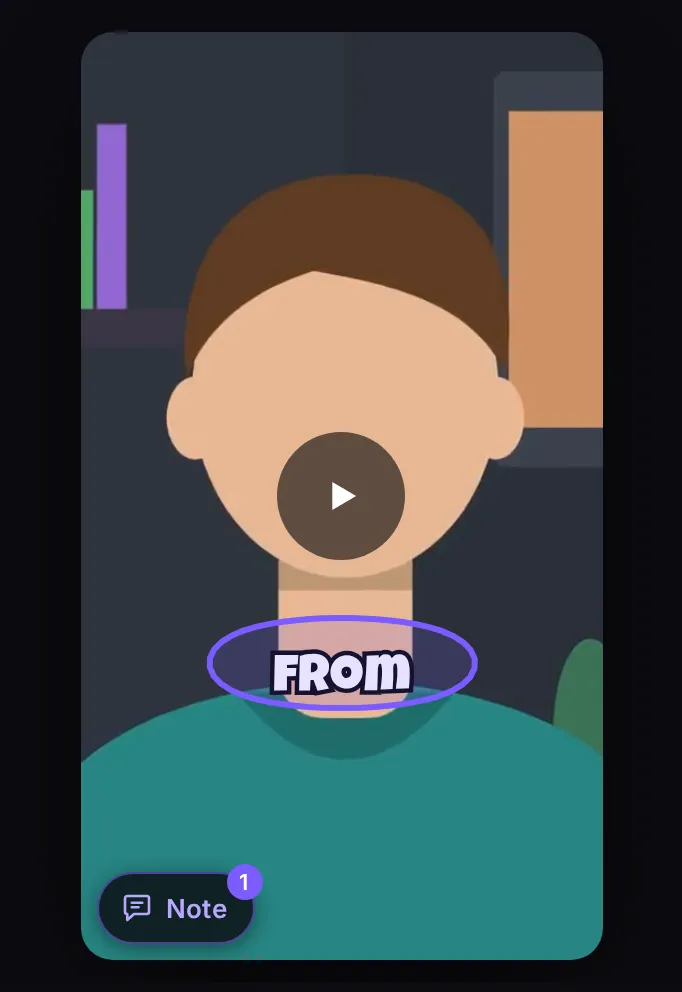
Circle it
Draw around a caption, a title, anything on the frame. Or just click it.
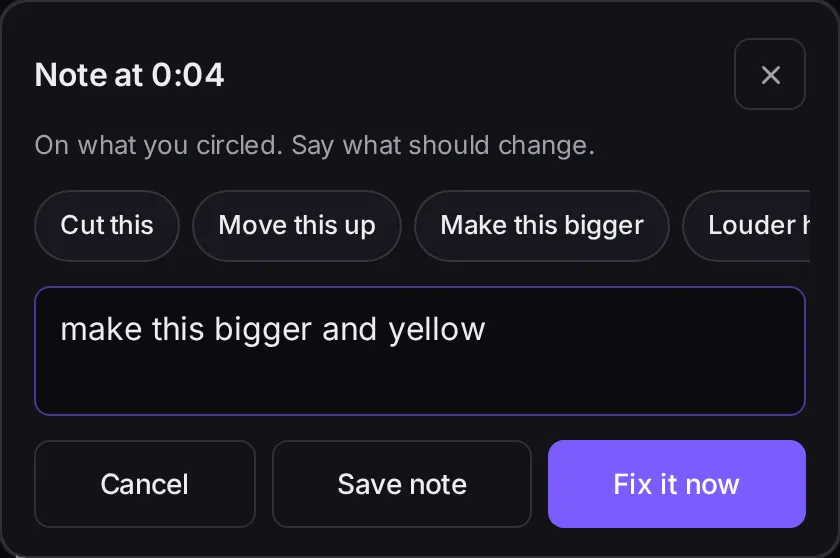
Say it
Type what you want in plain words. The AI makes the change in your edit.
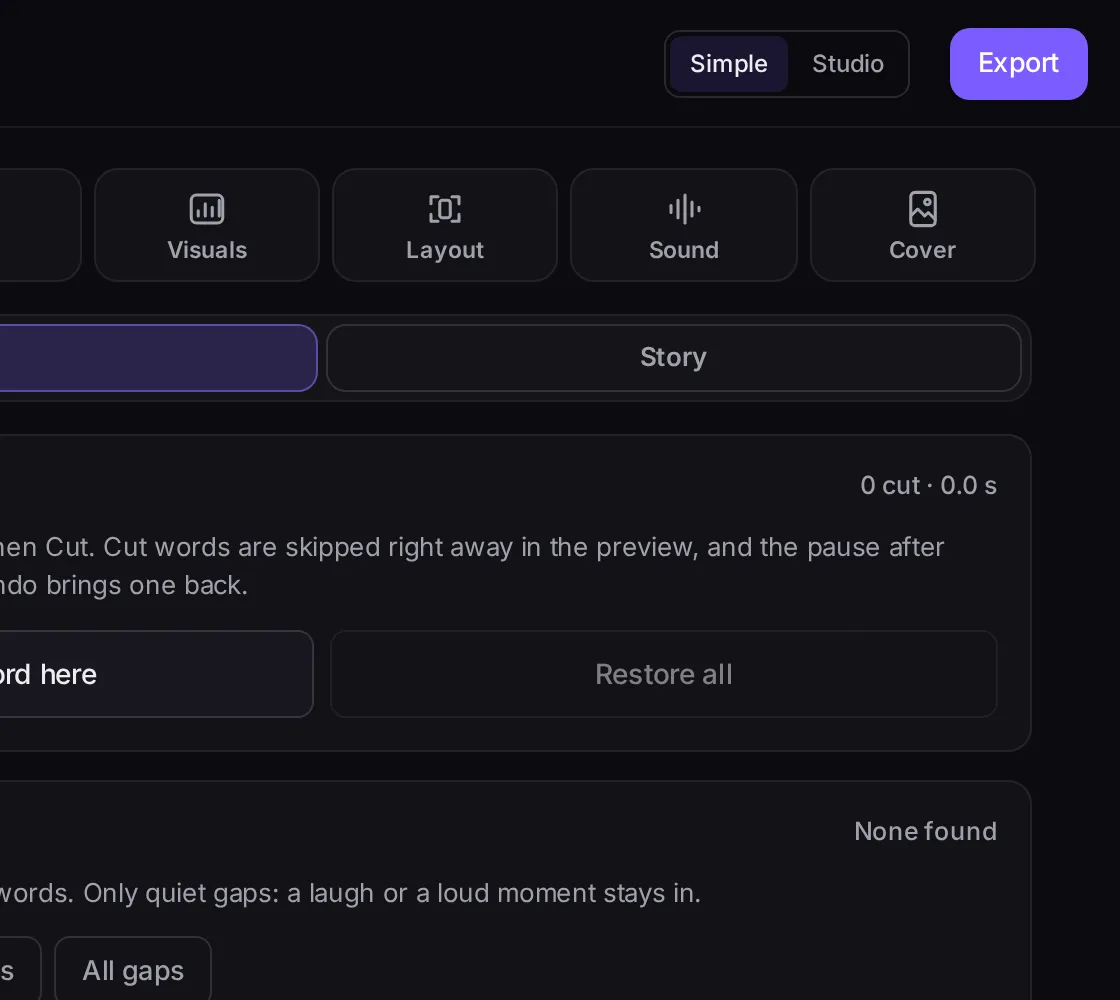
Export when it's right
Every tool works on the live preview. The final video only renders when you press Export.
How it works
- youtube.com/watch?v=...
1Paste a link or upload
A YouTube or Twitch link, or an MP4, MOV or MKV file. On a long stream, pick just the part you want.
- GTA / GamingStreamerTalking head
2Pick a style
We find the moments worth watching and edit them vertical: framing, captions, titles and pop-ups.
- 3 clips readyExport
3Change it, then export
Fix what you want in the editor. When it looks right, export in 1080p and download it.
Edit on a computer. Watch and download your clips on your phone.
What you can change
- Cuts
- Trim by the word, take out dead air, and split or speed up a shot.
- Captions and text
- Fix a word, restyle the captions, highlight what matters, rewrite the title.
- Visuals
- Pictures on the word, graphics, stickers, zooms, and a shake or flash on a big moment.
- Layout
- Cam on top, follow the face, or show the whole frame.
- Sound
- Sound effects on a word, your own music, and in-game radio muted.
- Anything else
- Circle it and say it. The AI makes the change in your edit.
Pick the style that fits your channel
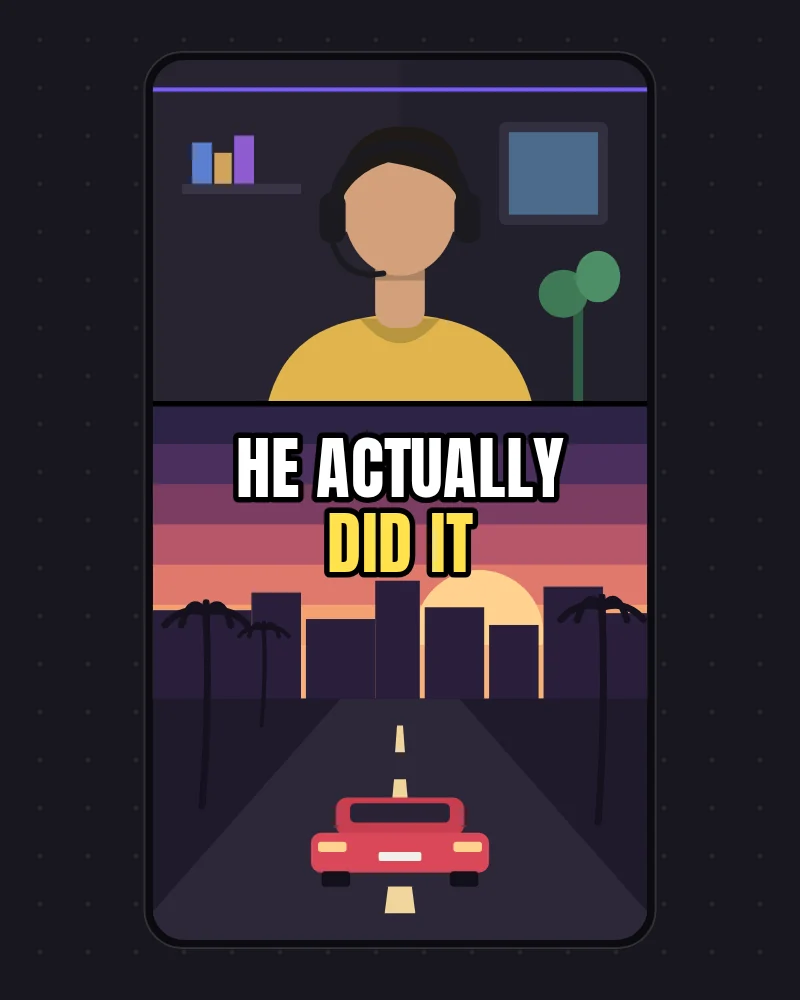
GTA / Gaming
Your cam on top, the game below, and the story never cut short.
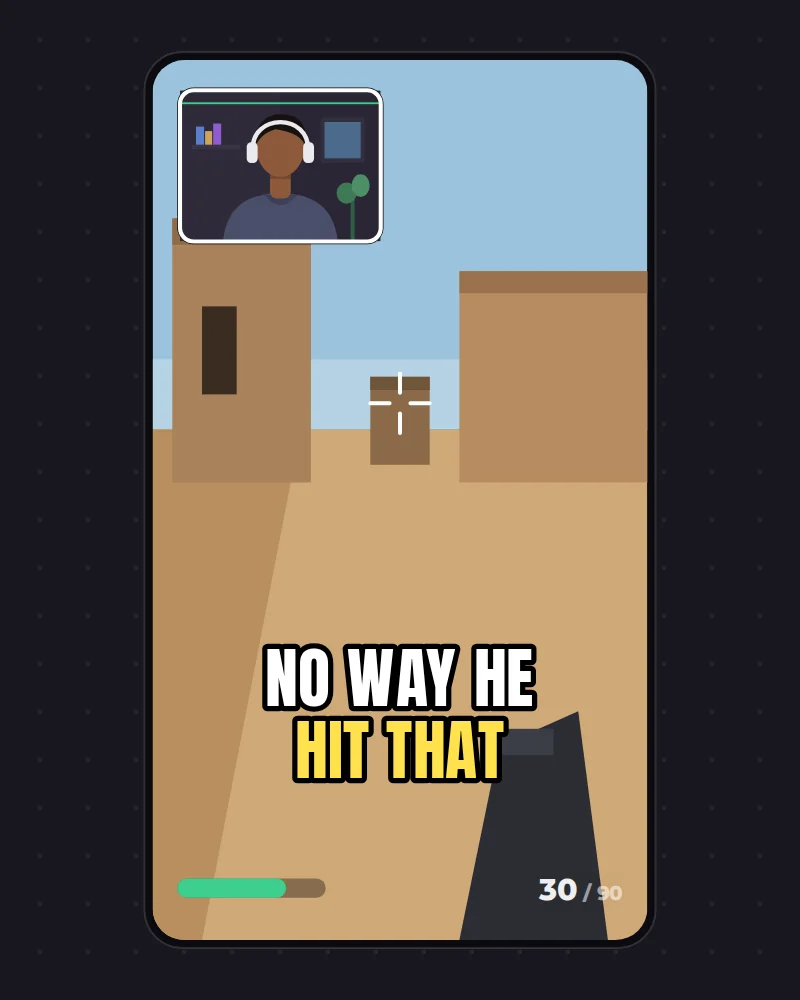
Streamer
Cuts the tangents and keeps the story.
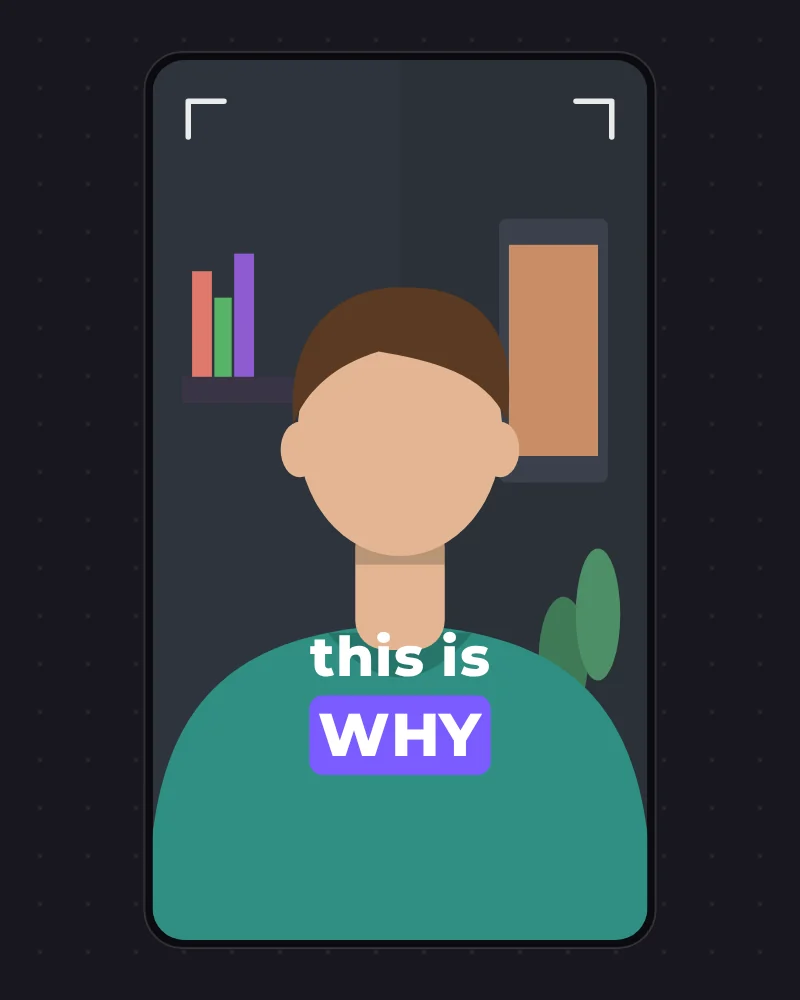
Talking head
Follows your face, with motion graphics on what you say.
SoonPNGtuberRobloxCopy any style
Questions
These answers are drafts until launch.
Can I clip videos I don't own?
Only upload or link videos you own or have permission to use. That means your own streams and channel, or footage whose owner has said yes. You are responsible for what you post.
What about game footage and music?
Publishers set their own rules, so check them for your game. The GTA style mutes in-game radio songs by default and marks long stretches of raw trailer or cutscene so you can cut them before posting. That lowers the risk. It doesn't remove it.
What can I upload?
MP4, MOV or MKV files, or a YouTube or Twitch link. For a long stream you choose the part to work on.
How do credits work?
Making clips from a video, AI edits and exports each use credits. Plain edits in the editor don't. A new account gets one video free. Plans add credits every month and show roughly how many videos that covers. If a project fails, its credits come back.
Can I get a refund?
If something didn't work, contact us within 14 days of the charge and we'll look at it. Credits already spent on finished work usually can't be refunded. You can cancel any time, and your plan runs to the end of the month you paid for.
Does it post for me?
No. You download the finished Short and post it wherever you like.